
Tool Search

ToolsUnited offers three different ways to search for tools, allowing users to quickly find the information they need. In this tutorial, you will learn about each search method, how they differ from one another, and when to use them. By the end of this guide, you will be able to navigate the platform more efficiently and find the right tools with ease.

Watch the How-To Video

Watch the tutorial to gain a better understanding of the workflow and available functionalities.

Follow the Step-by-Step Guide

Everything you need to know, explained step by step.
1

Tool Search

In ToolsUnited, you can search for tools in three ways: free-text search, parametric search, and application search.

2

Free-text search

If you have a part number (J21), the free-text search is the fastest way to find the right tool.

3

Parametric search

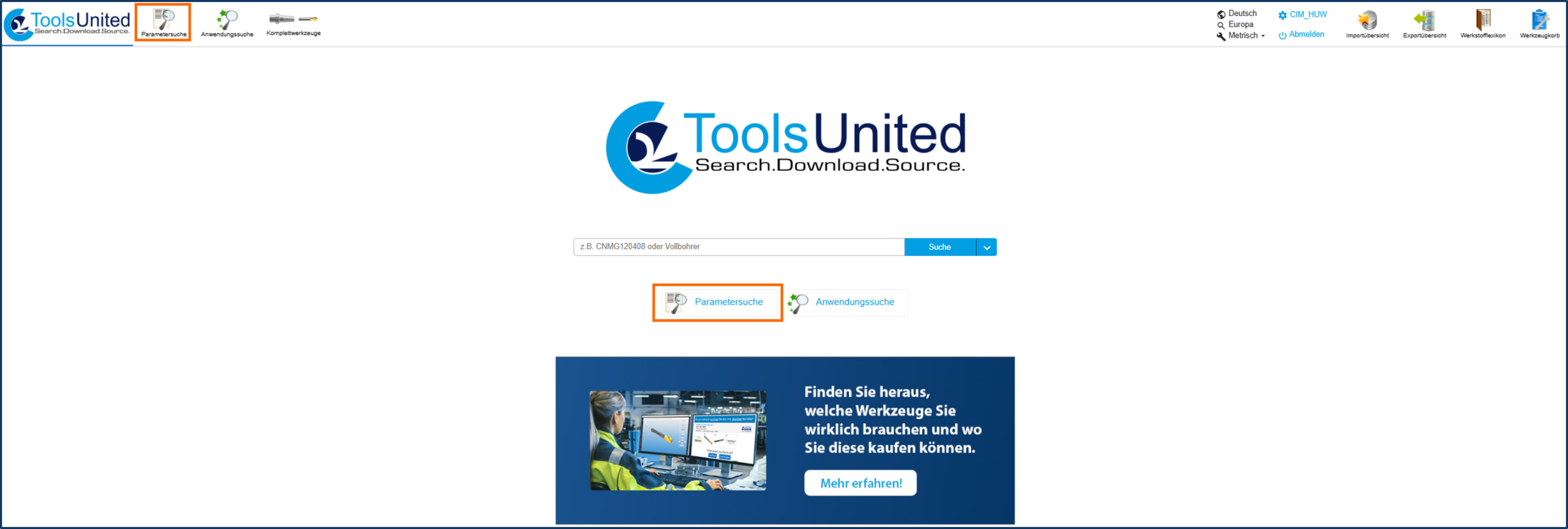
If you are looking for a tool based on tool characteristics, use the parameter search. The number of results is automatically updated with each additional search criterion.
4

Select tool class

Select from the classification tree (DIN 4000), e.g., indexable insert milling cutters (tool class SML = FSJ)

5

Define tool type

Within the class, e.g., corner cutters (tool type BLD = 1)

6

Specify search criteria

  • Input of geometric features, e.g., tool diameter A1, mounting type, machine-side C11 (tool shank)
  • Based on the CIMSOURCE StOB (Standard Open Base) standard
  • Supported by a tool class graphic for orientation
7

Tip

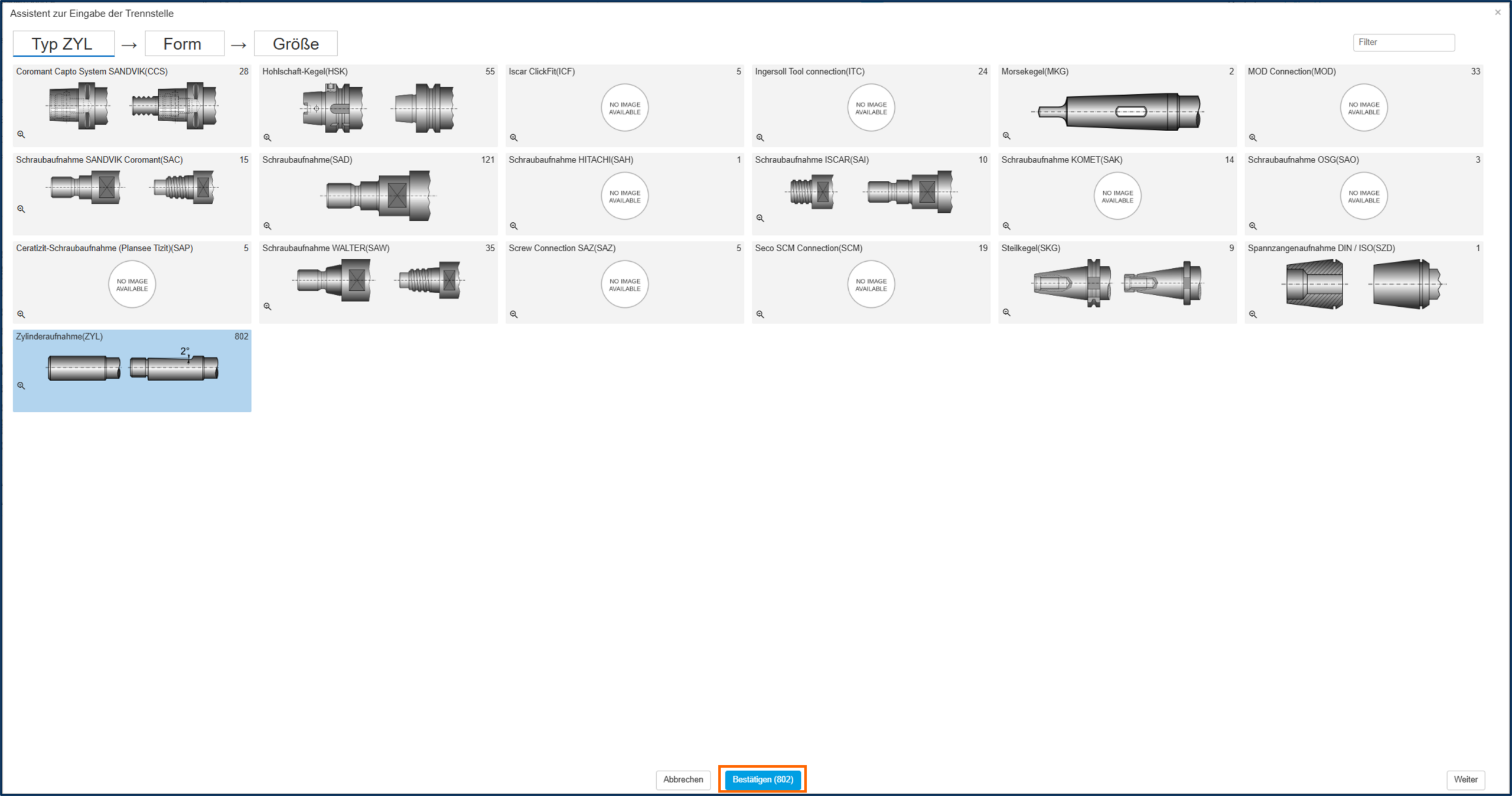
To define the shank (C11), you can use the built-in wizard (plus icon). It will guide you through selecting the shank type, shape, and diameter.
8

Refine results

  • Results are displayed clearly
  • Additional filters (e.g., blade length) are available on the left side
9

Application search

If you are looking for a tool based on the machining process, use the application search.

10

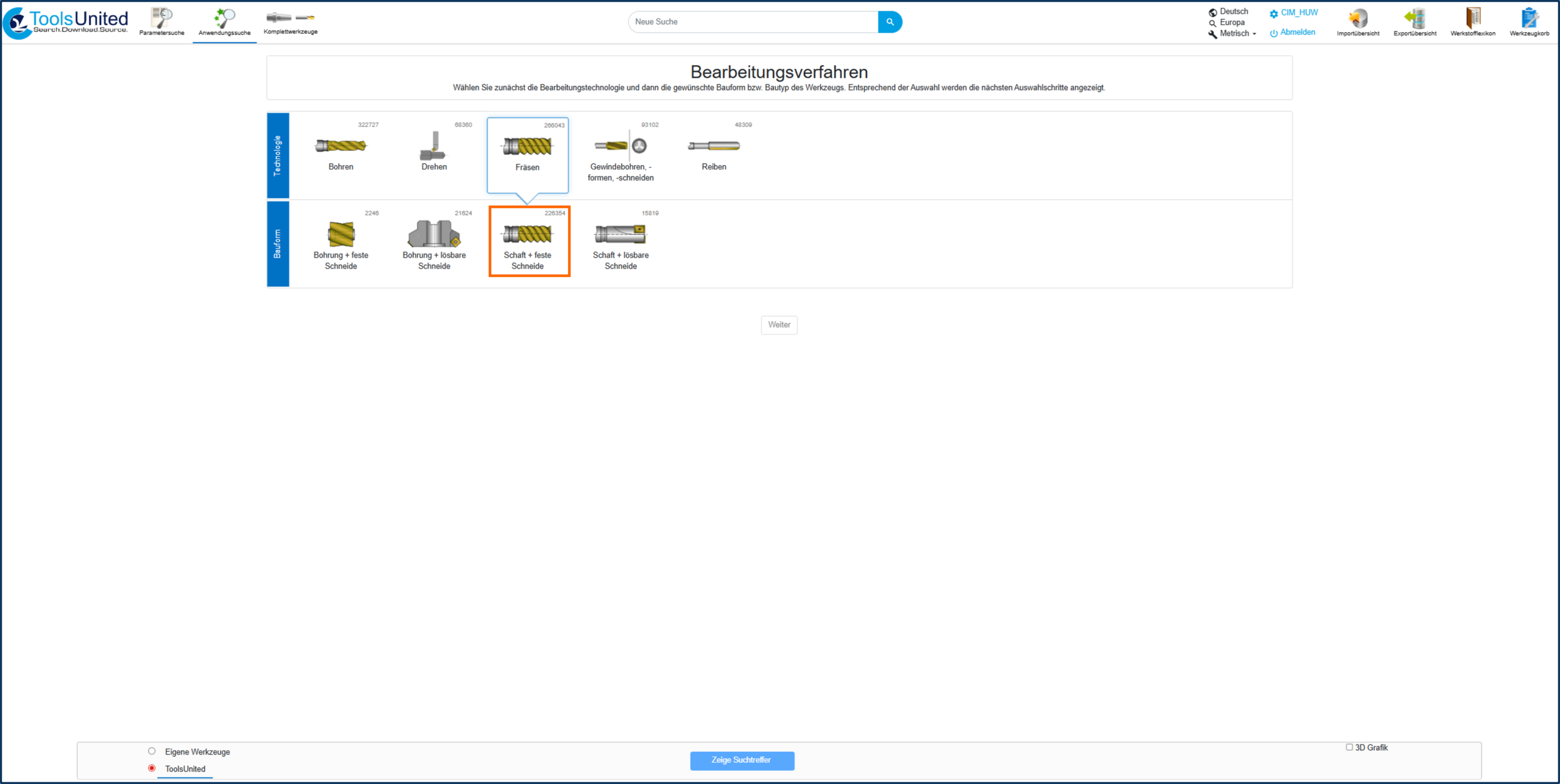
Select manufacturing process

Select a manufacturing process, e.g., milling

11

Specify the tool class

Specify the tool class (e.g., shank-type milling tool)
12

Define machining operations

Define machining operations, e.g., corner milling

13

Describe the work situation

  • Feed rates
  • Geometry of the machining area
  • The machining situation is illustrated using a schematic graphic
14

Select material

  • The material can be selected based on international material standards
  • Basis for appropriate tool and process recommendations