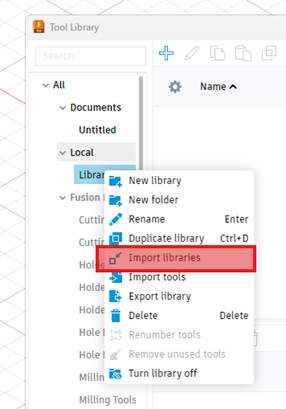

First download the ToolsUnited AutoImport plugin from the Autodesk App Store.

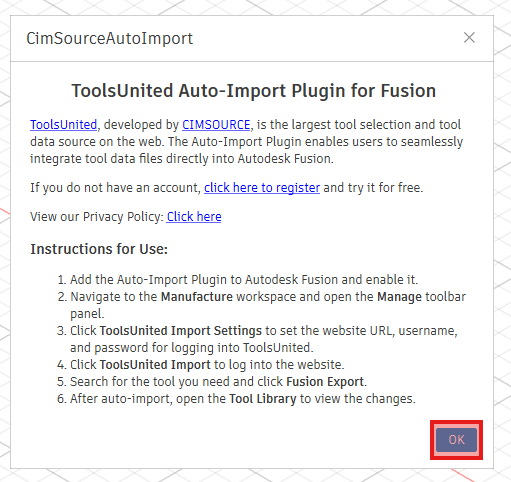
After installation, launch Fusion.The plugin will start automatically by default. Following information means the plugin is running,
You can update your login information anytime from this menu.
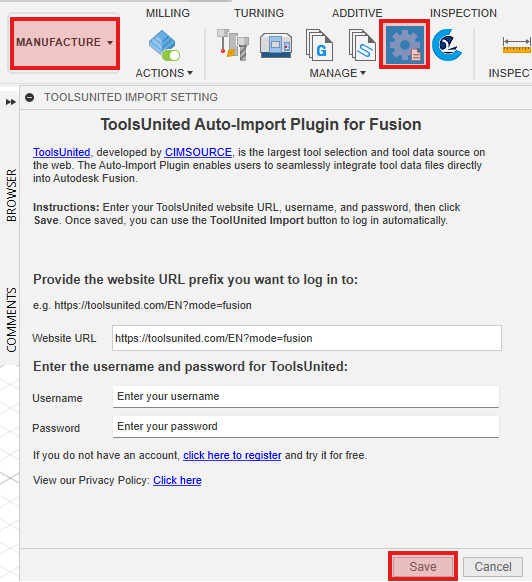
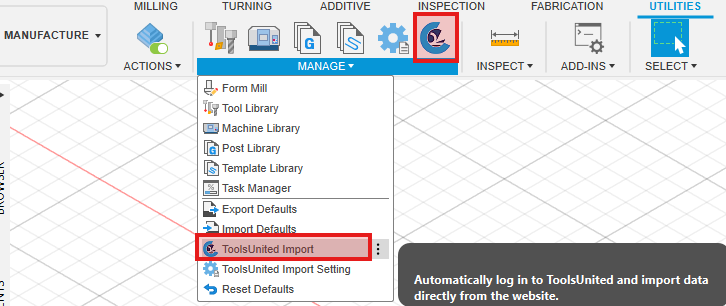
In Manufacture → Manage, click ToolsUnited Import. This will automatically open your browser and log in to ToolsUnited using the saved credentials.
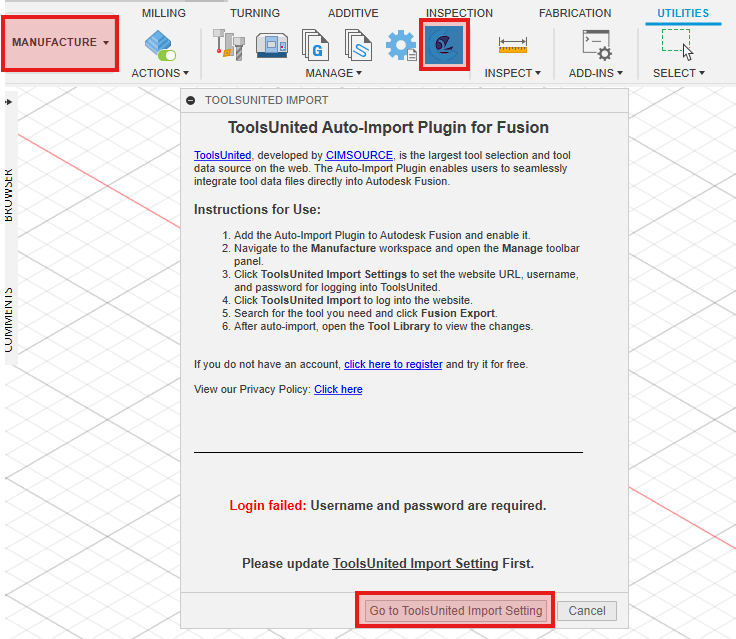
Note: If you haven’t set up your login details yet, you’ll see a prompt to configure them. And by clicking Go to ToolUnited Import Setting, you can update the account settings.
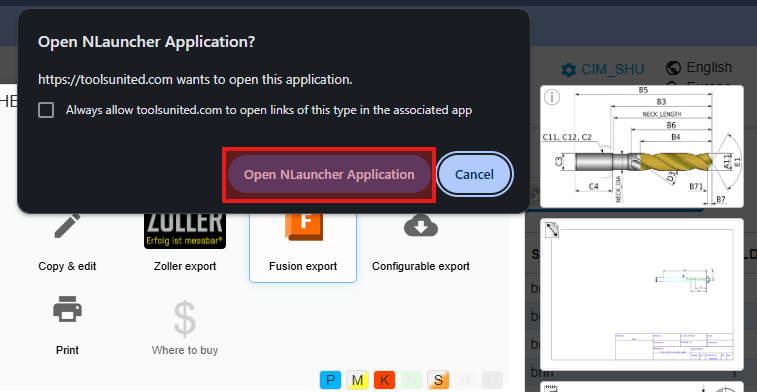
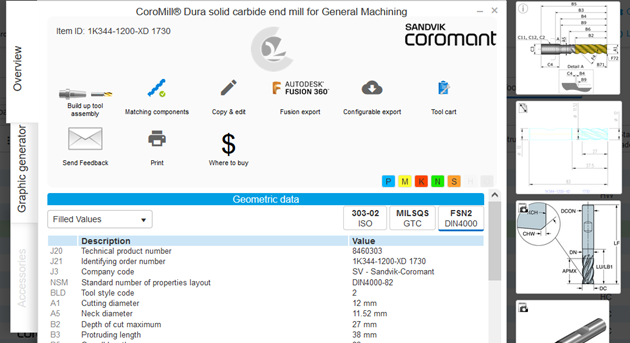
Search for the tools you want in ToolUnited. Select the desired tools from the search results. Click Fusion Export to export tool data.
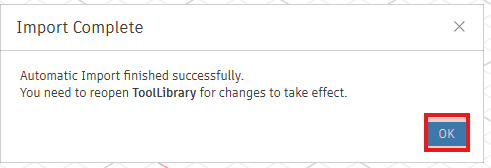
Once the import is successful, a confirmation window will appear in Fusion 360.
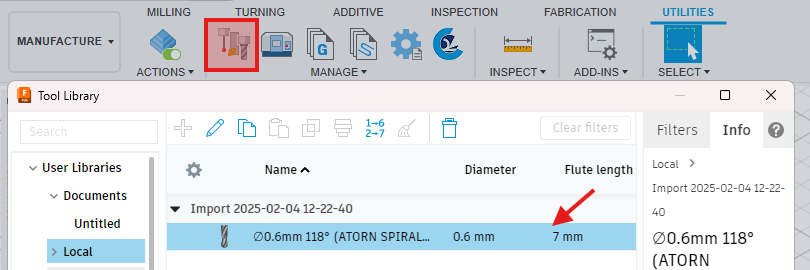
You can find the imported tool data in Manufacture → Tool Library.
Select the required tools by using either the parametric search or the search by application. Pick the tools you want to export to FUSION 360 from the search results list.
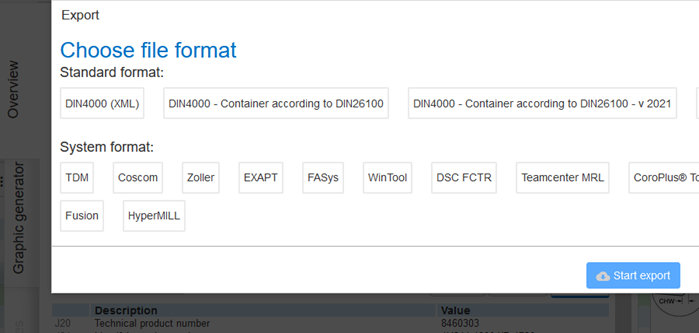
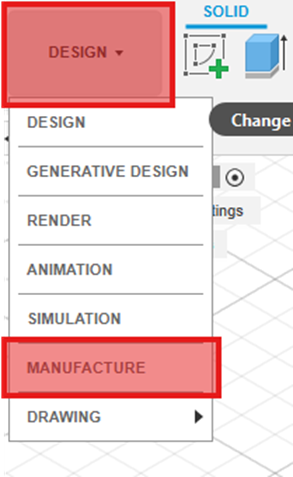
In Fusion 360, click on the “Design” button and then on the “Manufacture” menu item.
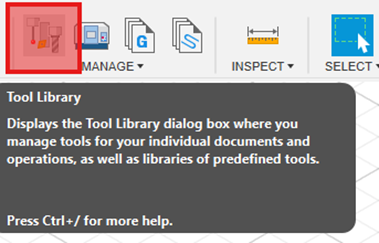
Click on the “Tool library” button.