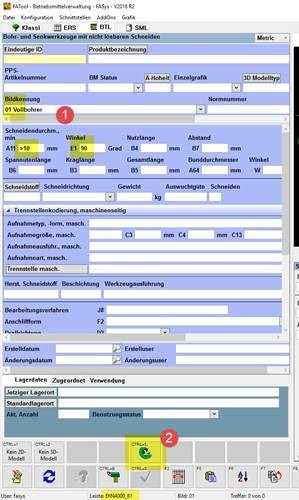
In order for the user to access ToolsUnited, the user must go to the component management section of FASys.
Here, the user is shown the drills in DIN4000_89 image 01. They can then enter further search criteria.
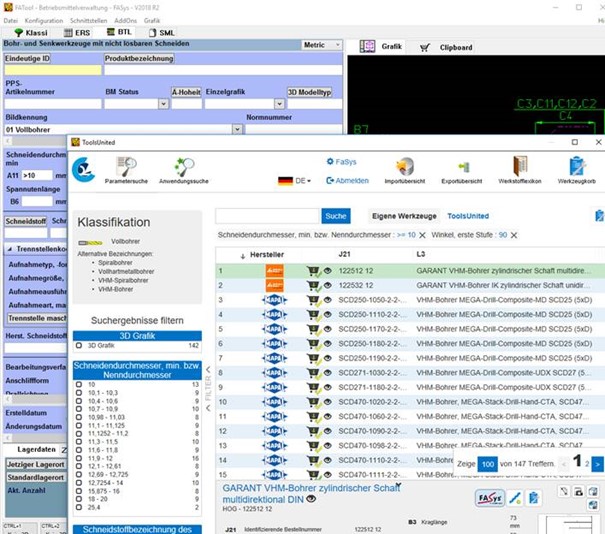
Clicking on the ToolsUnited button launches the interface.
We open the ToolsUnited website in an Explorer window within our application.
The call contains the login data and specifications for the first search in the tool data.
The user searches for their tool and exports it using the FASys Export button.
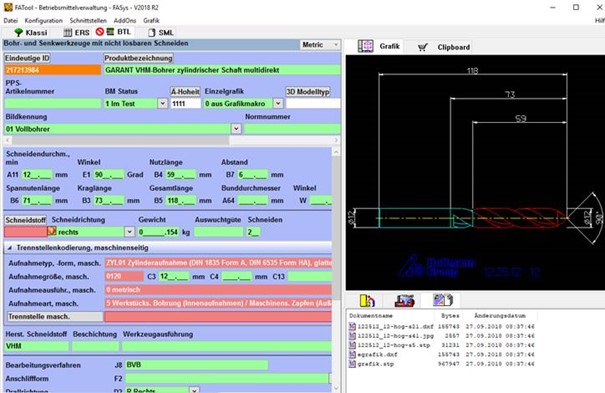
The interface downloads the files, closes the ToolsUnited window, and creates a new record with the XML data and files.
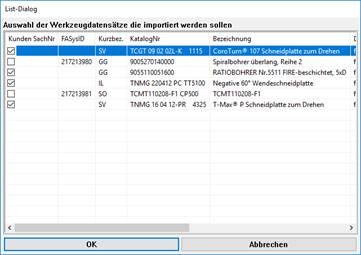
If the operator exports a shopping cart containing multiple tools in ToolsUnited, a selection dialog box appears before the data is entered into the database. Otherwise, the process is the same.
Any questions?
If you have any questions, please contact our support team. We will be happy to help you!