
Tool Data for WORKNC

Access thousands of cutting tool specifications form leading manufacturers and seamlessly import them into WORKNC. Save time, reduce errors, and optimize your tool management workflow.

What Is WORKNC?

Hexagon WORKNC is a high-end CAM solution designed for advanced CNC machining, particularly in mold, die, and complex 3- to 5-axis manufacturing. It is known for its strong automation capabilities in toolpath generation and its ability to reliably produce collision-free machining strategies with minimal manual programming effort. WORKNC is widely used in production environments where stability, surface quality, and unattended machining are key requirements.

Built on decades of CAM expertise from Hexagon, WORKNC focuses on simplifying complex manufacturing workflows while maintaining a high level of control over machining results. Its automated roughing, semi-finishing, and finishing strategies help users efficiently handle highly complex geometries while reducing programming time and operator workload.

In combination with the broader Hexagon ecosystem, WORKNC integrates into Nexus, Hexagon’s cloud-enabled digital manufacturing platform. Nexus connects CAD, CAM, simulation, and production data in a collaborative environment, enabling teams to streamline data exchange, improve traceability, and reduce errors across the manufacturing lifecycle. Within this ecosystem, WORKNC benefits from improved interoperability and data continuity, helping manufacturers bridge the gap between design intent and shop-floor execution more efficiently.

Why Use ToolsUnited with WORKNC?

ToolsUnited brings together tool data from different manufacturers in a single, reliable source — ready to use for your application.

1 334 650 unique tool components

Access a continuously growing library of tool components from leading manufacturers — all in one place, ready to be pulled directly into your workflow

62 world class brands and manufacturers

Source tools from more and more internationally recognized tool manufacturers. Whether you work with Sandvik, Kennametal, Walter, or others — ToolsUnited brings their complete catalogs together in a single, unified interface.

Checked data quality & DIN/ISO compatibility

Every tool component in ToolsUnited is validated for data integrity and complies with DIN/ISO standards. This ensures your CAM or tool management system receives clean, consistent data — no manual corrections, no compatibility issues.

File exports optimized for WORKNC

ToolsUnited generates tool data exports specifically formatted for WORKNC. Import-ready files ensure seamless compatibility and save your team the time spent on reformatting or data cleanup.

Follow the Step-by-Step Guide

New to the integration? Our guide walks you through setup and your first successful tool data transfer, step by step.

1

Open WORKNC

Open the WORKNC part.

A) Click on “Toolpaths” and right-click

B) Click the “New Toolpath” icon

2

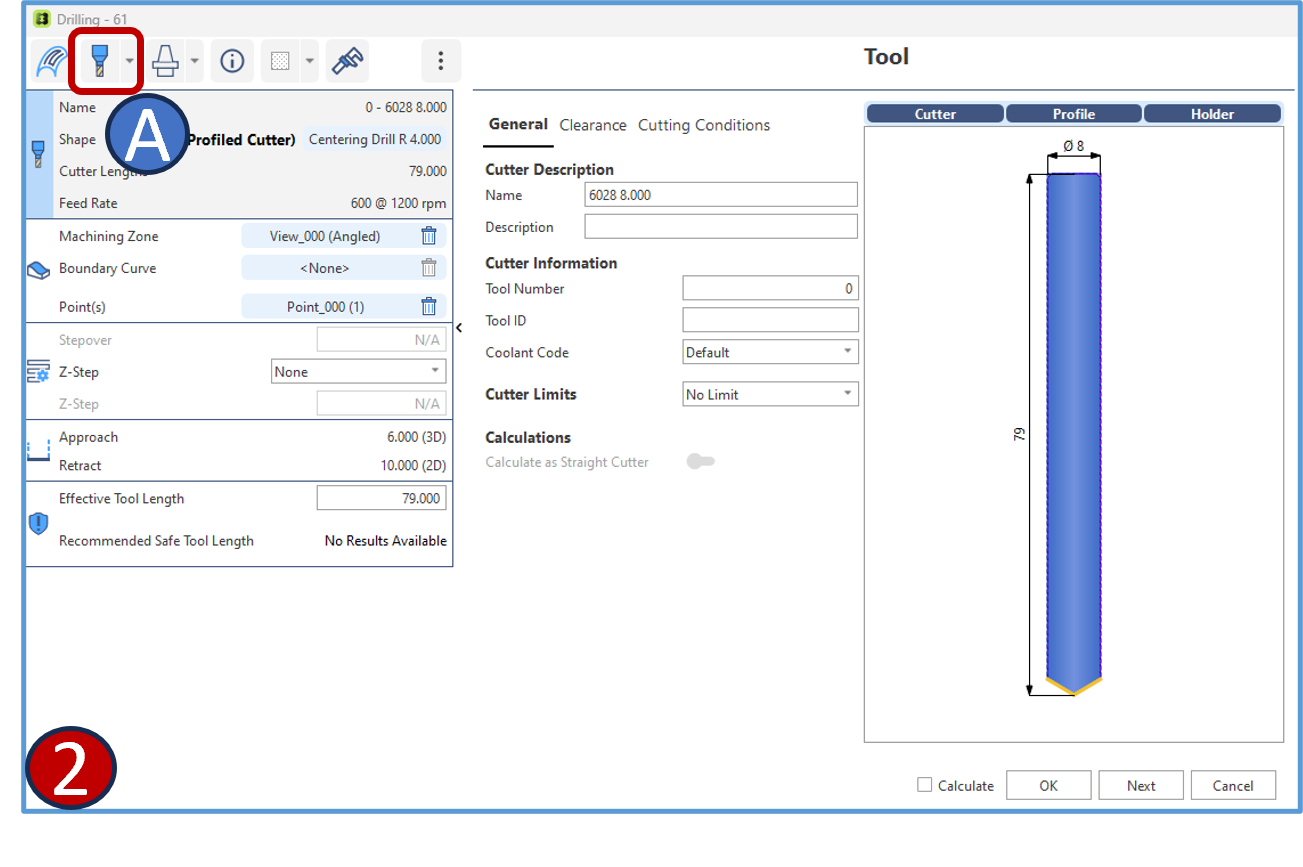
Select a tool

The cutter window will open

A) Click the Select Tool
3

Open Tool Library

The WORKNC tooling window will open

A) Click on “Open Tool Library”

4

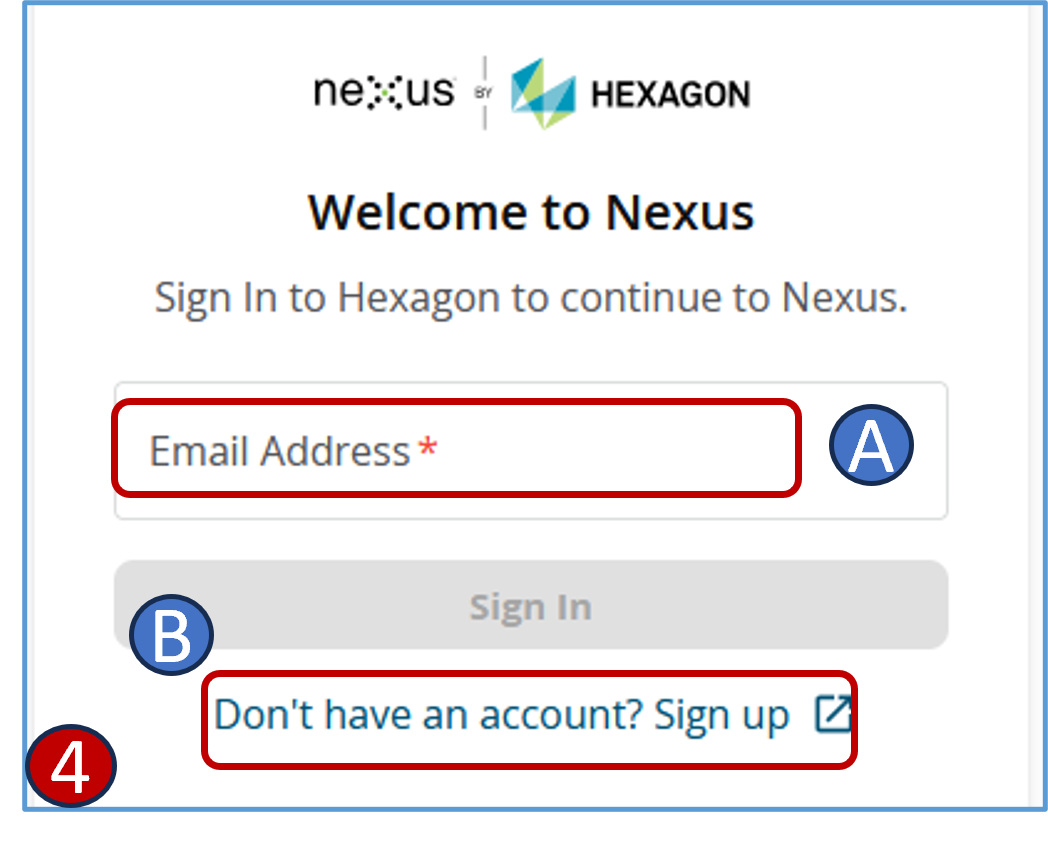
Log in to Nexus

A) Fill in your user ID and password

B) Sign up if you have no account
5

Select tools in Nexus-Hexagon

The Nexus-Hexagon tooling page will open

A) Click on “Tools”

6

Navigate to imports

The Nexus-Hexagon import page will open

A) Click on “Import”

7

Select ToolsUnited import

The Import tool window will pop up

A) Click on ToolsUnited

8

Select tool for export

After selecting a component/Assembly

A) Clock on “Hexagon-Nexus-Export”

9

Start the export

A new export window will pop up

A) Click on “Start export”

“Import successful message” will appear

10

Search exported items

Go back to the Hexagon-WORKNC Tooling page and search the exported items

A) After searching click on “Select”

11

The cutter is imported in WORKNC

Any questions?

If you have any questions, please contact our support. We are happy to help!